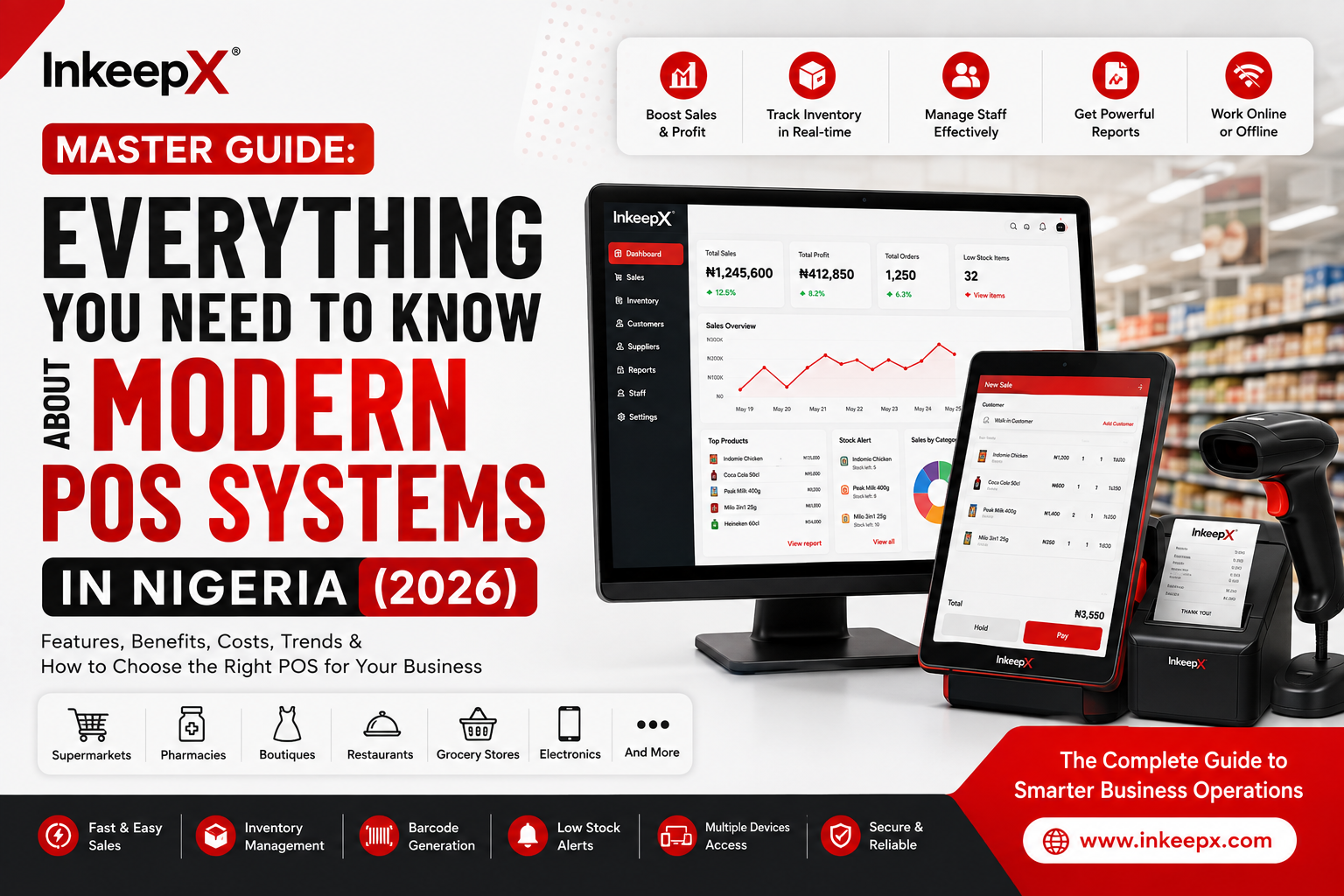
If you run a retail shop, supermarket, pharmacy, or restaurant in Nigeria, you already know that managing sales is only a fraction of your daily headache. Between tracking inventory, preventing cashier theft, handling erratic power cuts, and navigating unstable internet networks, running a profitable store can quickly feel overwhelming.
In 2026, relying on a basic bank terminal or a paper ledger is no longer enough. This comprehensive guide breaks down everything you need to know about modern Point of Sale (POS) technology—and how choosing the right system can protect your profit margins and scale your operations.
Question 1: What is a modern POS system?
A modern POS system is an integrated business management engine that combines payment processing, live inventory tracking, staff accountability, and real-time financial reporting into a single platform.
Unlike legacy systems or standard bank card readers that merely process payments and print paper receipts, a modern POS acts as the central command center for your entire business.
Key Capabilities of Modern POS Technology:
Live Inventory & Portion Control: Automatically deducts stock with every scan—down to individual pharmacy dosages or restaurant recipe ingredients.
Blind Shift Auditing: Prevents staff theft by requiring cashiers to count their cash drawer before viewing system totals at the end of a shift.
Real-Time Analytics: Calculates your true net profit, margins, and fast-moving items instantly from anywhere in the world.
The InkeepX Advantage
Most cloud POS tools freeze the moment your internet drops. InkeepX is engineered with an Offline-Hybrid Architecture. Powered by high-speed local database processing (SQLite), InkeepX allows your checkout counters to scan items and issue receipts with zero lag during network outages. The moment your connection restores, all transaction data syncs seamlessly to your cloud dashboard.
Question 2: What are 5 types of POS systems?
Not all retail setups require the same hardware or software setup. Understanding the five primary types of POS systems helps you select the perfect match for your store layout and workflow:
+------------------+------------------+------------------+------------------+------------------+
|     DESKTOP      |      MOBILE      |      TABLET      |   CLOUD-BASED    |   SELF-SERVICE   |
|   TERMINALS      |      (mPOS)      |     SET-UPS      |     WEB POS      |      KIOSKS      |
+------------------+------------------+------------------+------------------+------------------+
| High-volume      | Portable phone/  | Sleek touchscreen| Browser access   | Customer self-   |
| supermarkets &   | handhelds for    | setups for cafes | for remote       | ordering for QSRs|
| pharmacies.      | table service.   | & boutiques.     | monitoring.      | & ticketing.     |
+------------------+------------------+------------------+------------------+------------------+
Desktop / Terminal POS: Fixed, heavy-duty counter setups equipped with barcode scanners, thermal receipt printers, and cash drawers. Ideal for high-volume supermarkets, pharmacies, and large retail stores.
Mobile / Handheld POS (mPOS): Portable handheld devices or smartphone apps used by floor waiters, delivery agents, or pop-up vendors to process sales on the go.
Tablet POS: Sleek iPad or Android touchscreen displays popular in modern cafes, lounges, boutique stores, and quick-service spots.
Cloud-Based POS: Web-accessible software that lets business owners log in from any browser globally to inspect real-time sales and manage stock.
Self-Service Kiosks: Customer-facing touchscreens used in fast-food outlets, cinemas, and fuel stations for fast, self-guided ordering.
The InkeepX Advantage
InkeepX bridges Desktop, Mobile, and Cloud into a unified ecosystem. You don't need to purchase proprietary, locked-in hardware—InkeepX runs smoothly across your existing Windows laptops, Android devices, iOS phones, and thermal hardware.
Question 3: Which POS system is best for inventory management?
The best POS system for inventory management is one that tracks stock in real time, automates reorder alerts, and eliminates manual stocktaking errors before stock shrinkage occurs.
Payment-only bank POS terminals completely fail at inventory management because they only log monetary values, not item quantities or SKU movements.
Features of a Top-Tier Inventory POS:
Automated Low-Stock Alerts: Triggers notifications when high-demand items hit minimum reorder thresholds.
Native Barcode & Batch Generation: Creates unique barcodes and manages batch numbers alongside expiration dates (critical for NAFDAC compliance in pharmacies).
Recipe-Level Raw Material Tracking: Tracks composite ingredients (e.g., deducting shots of spirits, flour, or rice portions per dish sold).
Multi-Branch Stock Transfers: Tracks inventory as it moves between central warehouses, factories, and retail branches.
The InkeepX Advantage
InkeepX reduces store inventory waste by up to 40%. By combining real-time stock reconciliation with InkeepX AI insights, store owners can simply ask natural questions like "Which products are expiring this month?" or "What is my top-selling item this week?" to receive instant, actionable data.
Question 4: What is the best POS software available in Nigeria?
The best POS software in Nigeria is InkeepX—a platform purpose-built to thrive under local business conditions, internet disruptions, and multi-industry operational demands.
Why Nigerian Merchants Choose InkeepX:
Resilient Offline Performance: Built with a dedicated Offline Desktop App so your business never stops making sales during network or power failures.
Transparent Local Pricing in Naira (₦): No foreign exchange risks, hidden dollar subscriptions, or surprise transaction fees.
Industry-Specific Workflows: Specialized tools built into one system—including Kitchen Display Systems (KDS) for restaurants, QR code digital menus, weight-scale integrations for supermarkets, and batch tracking for pharmacies.
Remote Owner Monitoring: Complete peace of mind for business owners managing managers and cashiers from their smartphones.
Ready to Upgrade Your Business Operations?
Stop losing money to bad network connections, unrecorded stock losses, and slow checkouts. Take total control of your business with Nigeria's most reliable POS platform.
Get Started Online: Register your store account today at
inkeepx.com/register Download the Desktop App: Download the latest InkeepX Offline Desktop App v1.0.8 directly at
inkeepx.com/download/InkeepX-Offline.zip